easyjob 6. Exactly how YOU want it.
Your own look, custom buttons, additional fields? With Customizer, you can.
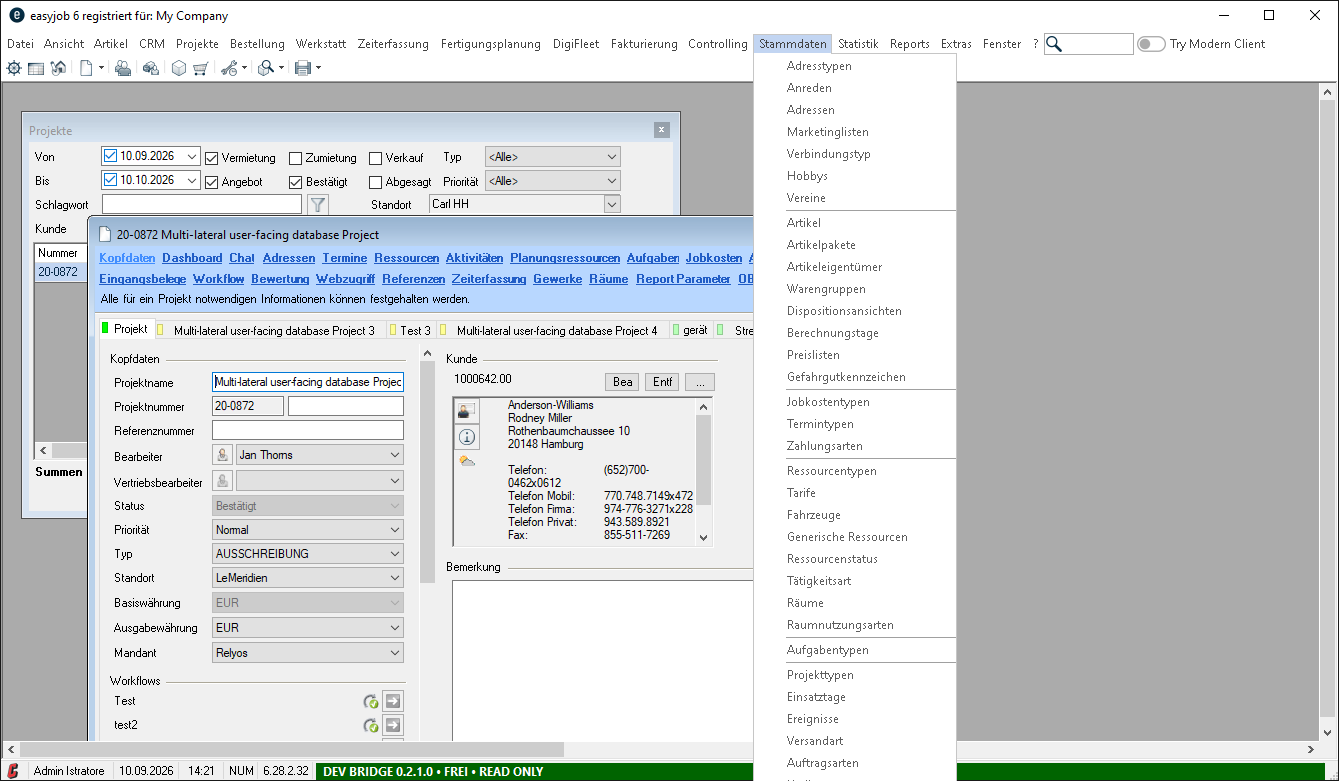
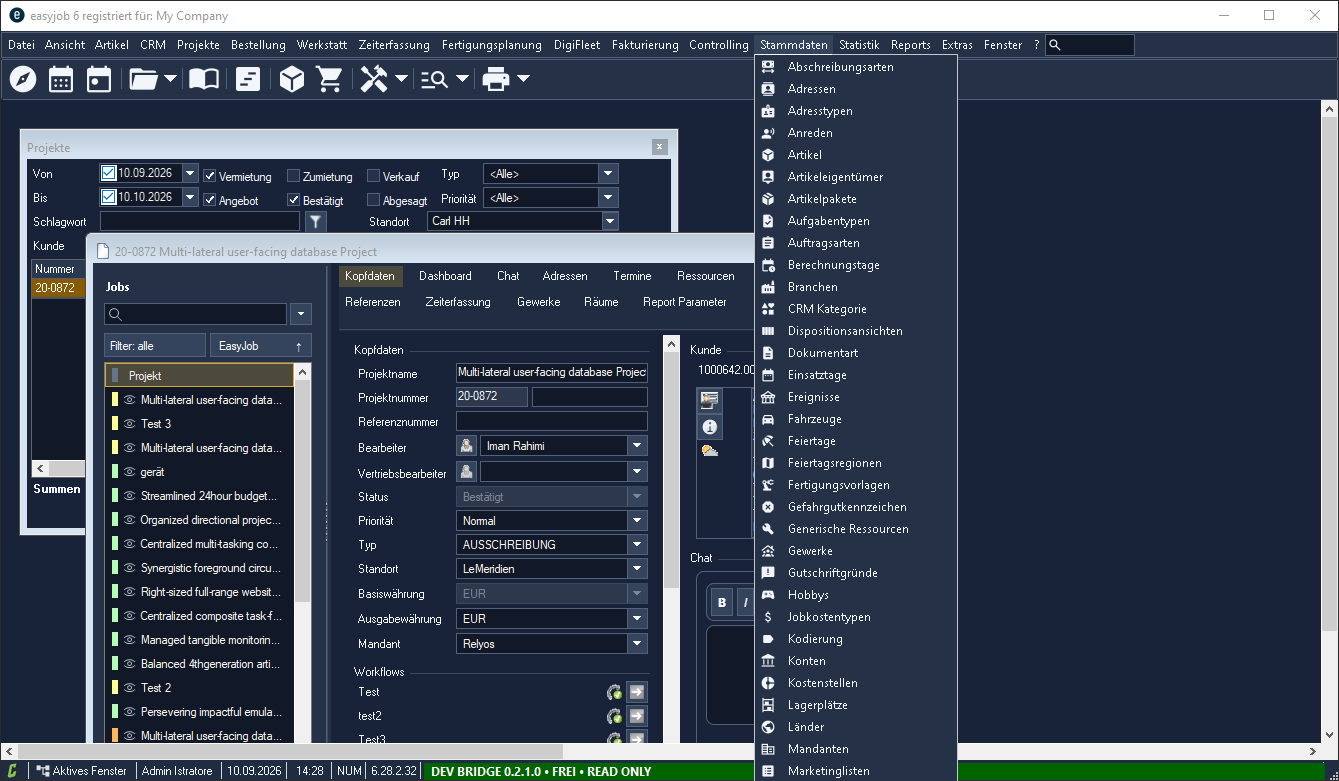
The image comparison could not be loaded. The available images and their descriptions remain visible.
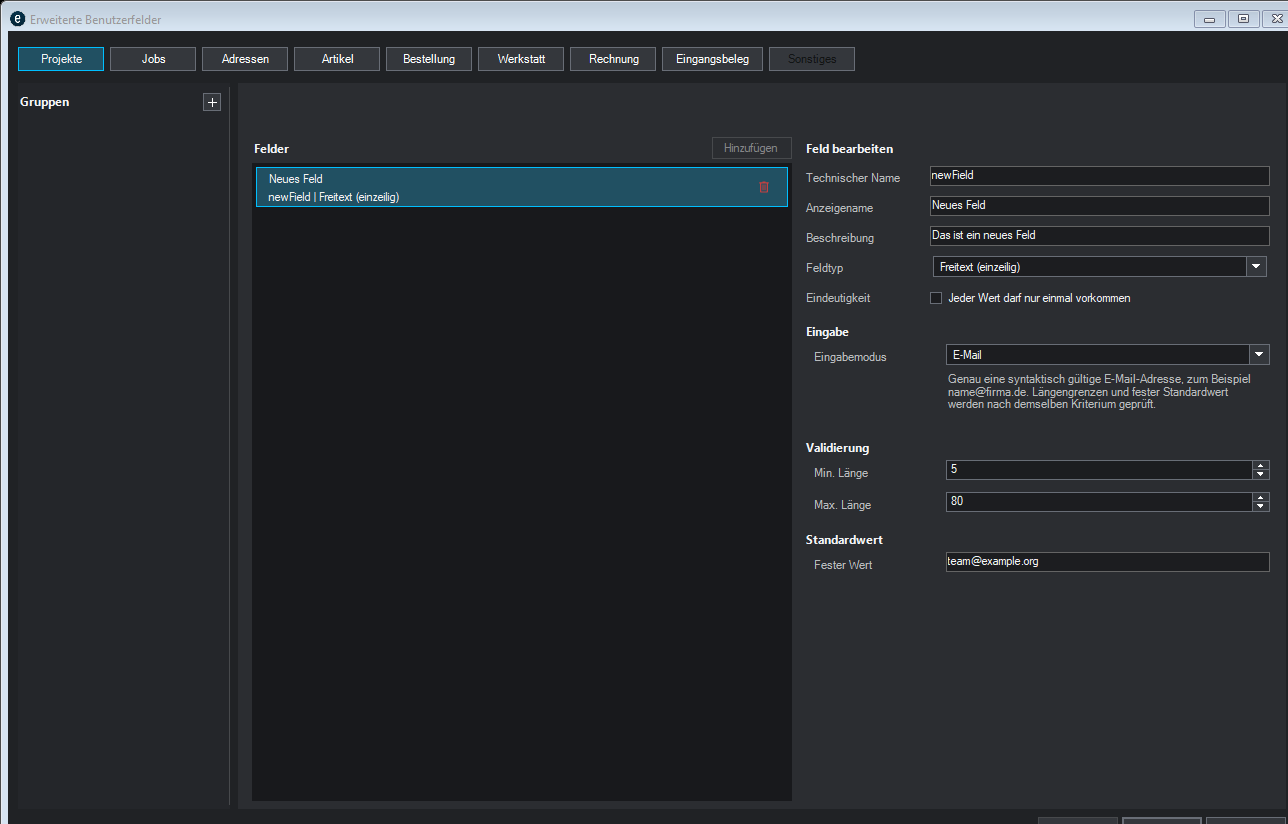
Set up custom fields in easyjob
Look
Customise the interface
Give easyjob a look that fits your business: your own colours, modern icons, familiar terms and screens arranged around the way you work.
- Theming Colours and images for your look.
- Language & terminology Labels that match your team's wording.
- Icons & symbols Consistent templates or your own icons.
- Interface & tabs Customise and arrange fields and tabs.
- Vertical job navigation Keep track even when projects have many jobs.
- Customise material lists Find your way with colours and highlights.
Actions
Set up quick access
Open projects, jobs, files and web portals in one click. Launch workflows and reports directly and place your own menus, buttons and hotkeys right where your team needs them.
- Shortcuts Open projects, jobs and other records.
- Web windows & tabs Use portals and dashboards within easyjob.
- Menus, toolbars & buttons Frequently used functions in the right place.
- Workflows & reports Access processes and output with a button.
- Files & folders Open documents and DMS folders directly.
- Hotkeys Direct access using keyboard shortcuts.
Data
Create your own user fields
Capture additional information in your own fields – with the right field type, input rules and default values. Set centrally, your whole team works consistently.
- Custom fields Add your own information to objects.
- Suitable field types From text and numbers to multiple selections.
- Fields in your workflow Place and group fields within forms.
- Input rules Required values, ranges and uniqueness.
- Default values Start new records with preset values.
- Central control Settings for your company, sites and teams.