
Custom fields in easyjob 6
Customizer adds the information your team needs to easyjob 6. Define custom fields and configure input, presentation and defaults to match your workflow.
What information is missing?
Additional text, a date, a number or a selection can make information available in its working context. First decide where the field is needed and who maintains it. We review supported objects and forms during setup.
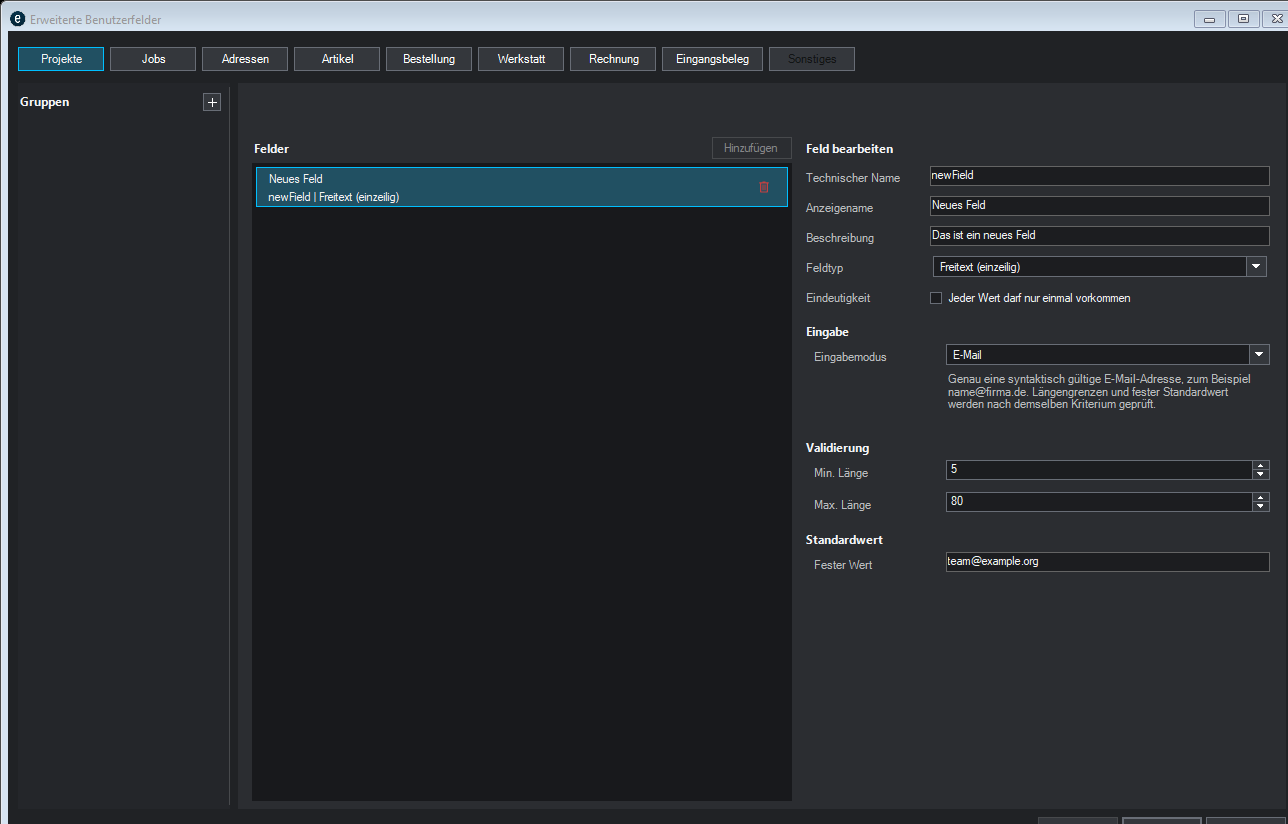
Field type, input and placement
Choose a suitable field type, place it in a supported form and set defaults or input rules where needed. Required values, ranges and uniqueness help keep data consistent. Configuration can be managed centrally for your business.
Three steps to the right setup
- Define the information, target form and responsibility.
- Configure field type, label, placement and suitable defaults.
- Check a typical workflow and agree the configuration with your team.